
Privileged app: requires developer mode on the device (see setup page). →
Description
Instructions:
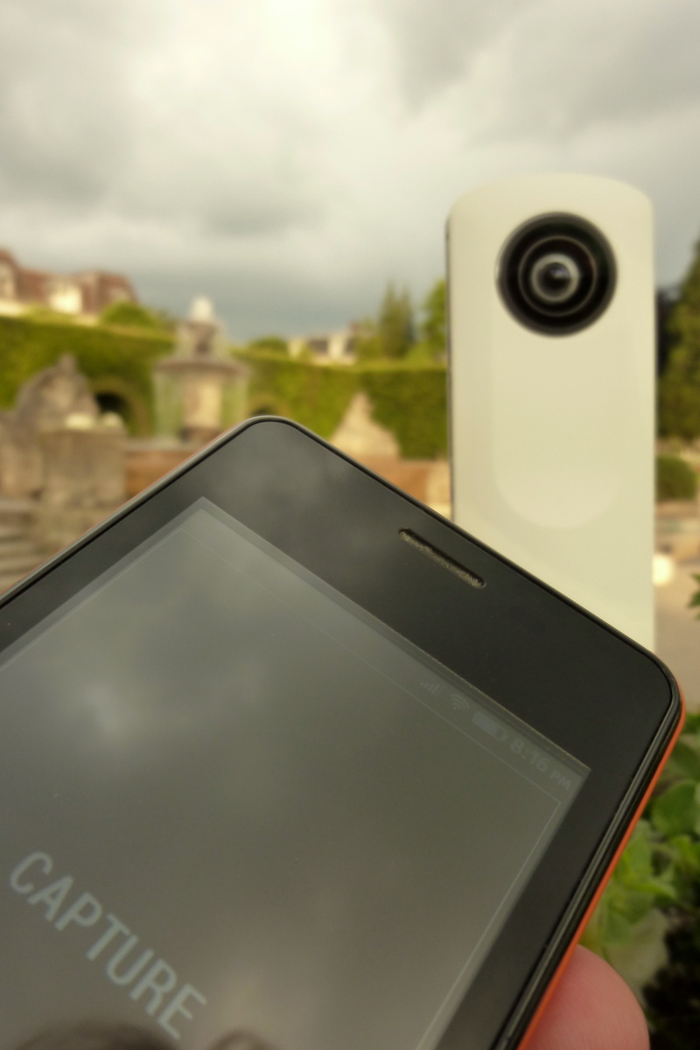
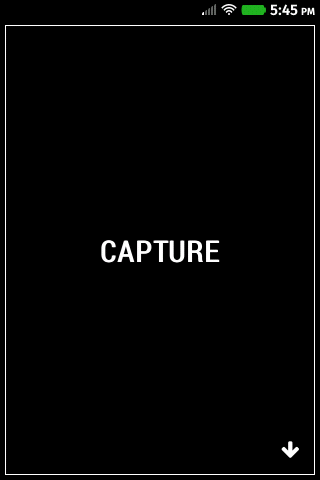
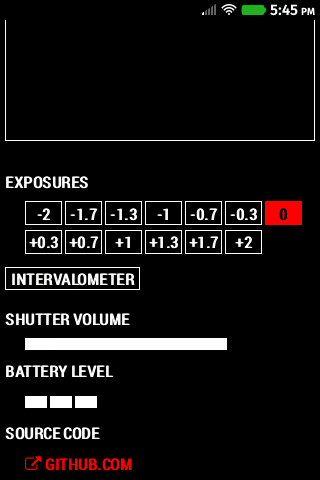
<ul><li>Turn on Wi-Fi on your Ricoh Theta 360° panorama camera.</li><li>Connect your Firefox device to the Theta's Wi-Fi.</li><li>Use <em>Theta Control</em> to remote control the camera.</li></ul>
<em>On Android:</em> If you're capturing a time-lapse, make sure that the device doesn't go into power savings mode (screen lock), which could cause loss of the Wi-Fi connectivity.
Release notes
New: Capture by pressing the volume-up or volume-down hardware buttons on your device! (requires Firefox OS 2.2)
Permissions
tcp-socketCreate TCP sockets and communicate over them.
Information
- Type
- Privileged
- Version
- 1.4.0
- Size
- 1.5 MB
- Published
- 2014-06-16
- Updated
- 2015-02-16
- Languages
- en-US
- Devices
- desktop, android-mobile, android-tablet, firefoxos
- Homepage
- http://github.com/feklee/theta-control
- Support
- http://github.com/feklee/theta-control
- felix.klee@inka.de
- Manifest
- mini-manifest · theta-control-1.4.0.zip
- ID
- 502077 · theta-control