Description
The app searches and reads text for you from Wikipedia on just one click!
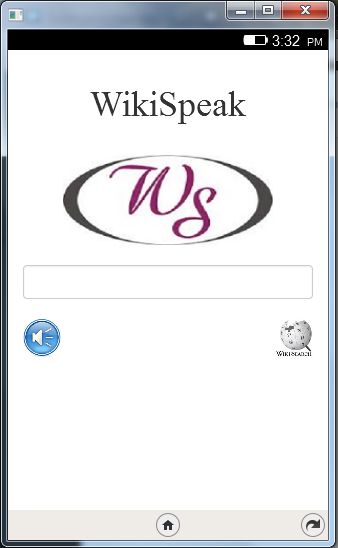
Enter a keyword like India in the text box provided and then click on the Wikipedia icon present on the right hand side below the text box. Wait for some time. The app will extract data from Wikipedia to display it on the screen. Now once the data has been displayed, click on the speak icon present on the left hand side below the text box. Once the icon has been clicked then wait for sometime after which the app will read aloud the extracted data for you. So that's how this app works.
Permissions
systemXHRRequired to make Ajax Calls over the Network
Information
- Type
- Packaged
- Version
- 1.1
- Size
- 906.4 KB
- Published
- 2014-07-12
- Updated
- 2014-07-15
- Languages
- en-US
- Devices
- firefoxos
- shobhit.saxena345@gmail.com
- Manifest
- mini-manifest · wikispeak-1.1.zip
- ID
- 503185 · wikispeak