Privileged app: requires developer mode on the device (see setup page). →
Description
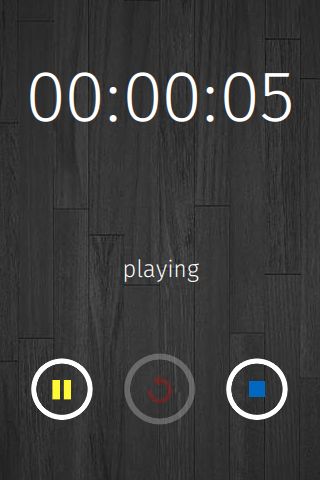
Record audio, take voice notes, or memos. Record sound or music from your microphone, play it back or save it to the memory of your device.
(Works on Firefox OS 1.4 and 1.4+)
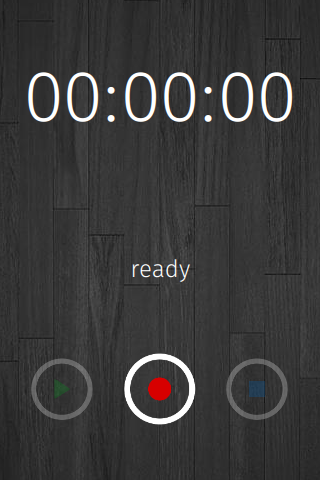
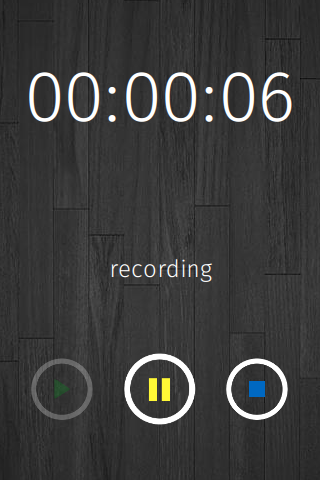
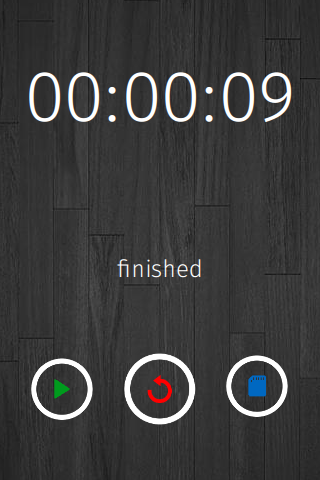
<ul><li>Recording: click the round button</li><li>Playing: after recording, press the square stop button. Then a triangular play button.</li><li>Saving: after recording, press the square stop button, you will see a save button in the place of the square button. Press it and you will find your recording in your Downloads folder.</li></ul>
Release notes
<ul><li>Changed background image to be easy on the eyes</li><li>Added warning for devices without media access / recording support</li><li>Fixed button positioning issue</li></ul>
Permissions
audio-captureTo take audio input from your microphone
Information
- Type
- Privileged
- Version
- 1.1
- Size
- 99.2 KB
- Published
- 2014-07-18
- Updated
- 2014-07-20
- Languages
- en-US
- Devices
- desktop, android-mobile, android-tablet, firefoxos
- support@krossware.com
- Manifest
- mini-manifest · recorder-1.1.zip
- ID
- 503415 · recorder