
Privileged app: requires developer mode on the device (see setup page). →
Description
Firefox OS Camera Download
This app allows to view and download images from any DLNA / uPnP enabled photo camera like the ones from Sony. It behaves like the Sony PlayMemories Mobile app and was tested using a Sony NEX-6 camera.
Connecting your camera with a Firefox OS smartphone via Wi-Fi you can enjoy sending high quality photos to your smartphone or tablet.
How it works (using a Sony NEX-6)
✪ Turn on your camera, and select Menu → Playback → View on Smartphone
✪ The camera should now enabled the WiFi mode and present you the SSID and password
✪ Connect your Firefox OS device to the camera's WiFi using the given password
✪ Now start the "Camera Download" app on your Firefox OS device
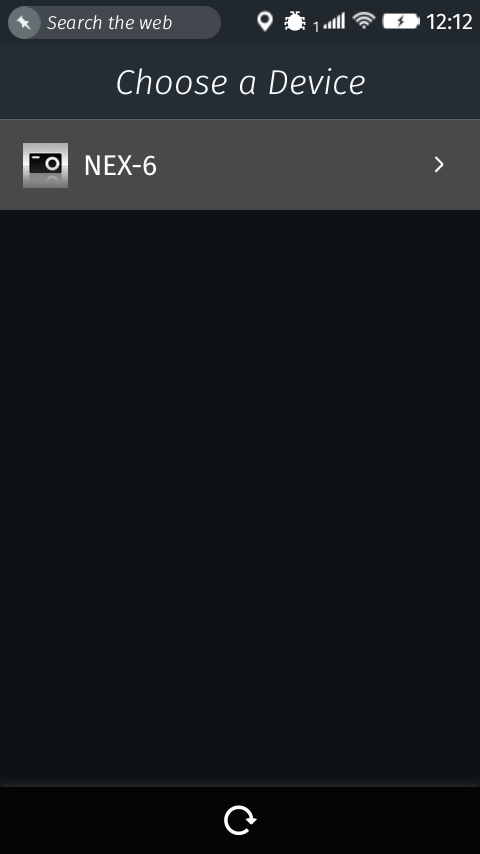
✪ After some seconds, the NEX-6 camera should appear in the device list
✪ Touch the list entry
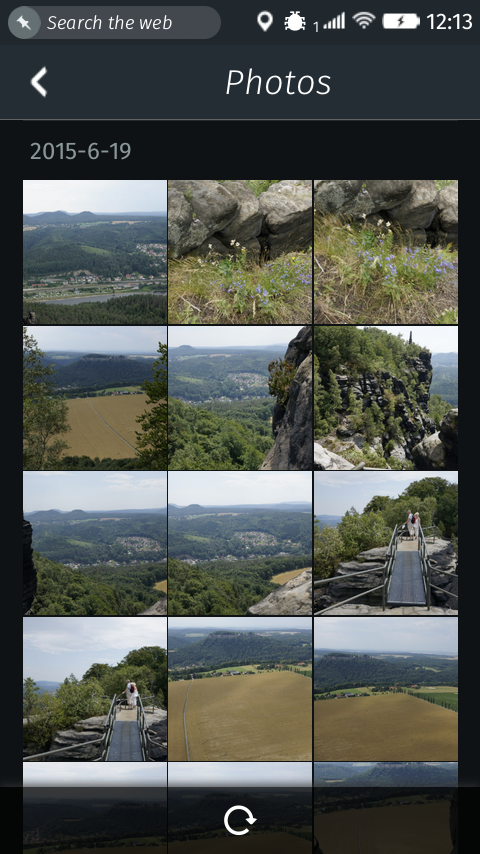
✪ Now you will see a thumbnail list of all the camera's images
✪ Check the checkbox of one or more images and press the download button at the bottom
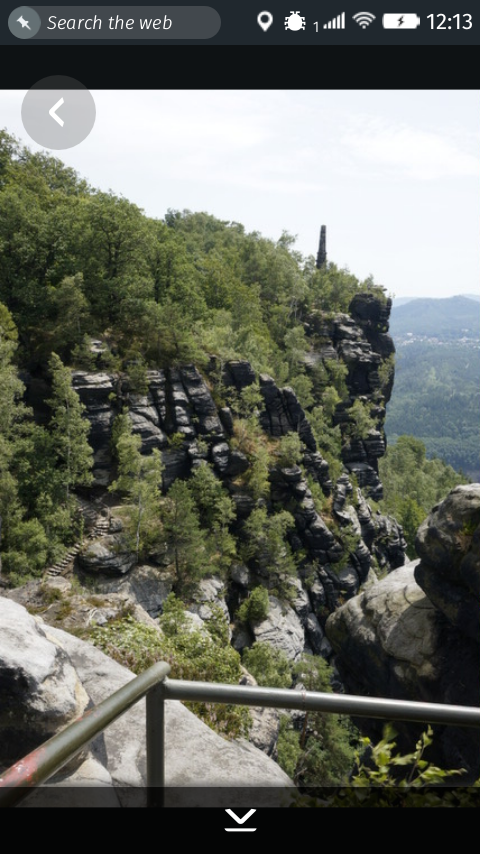
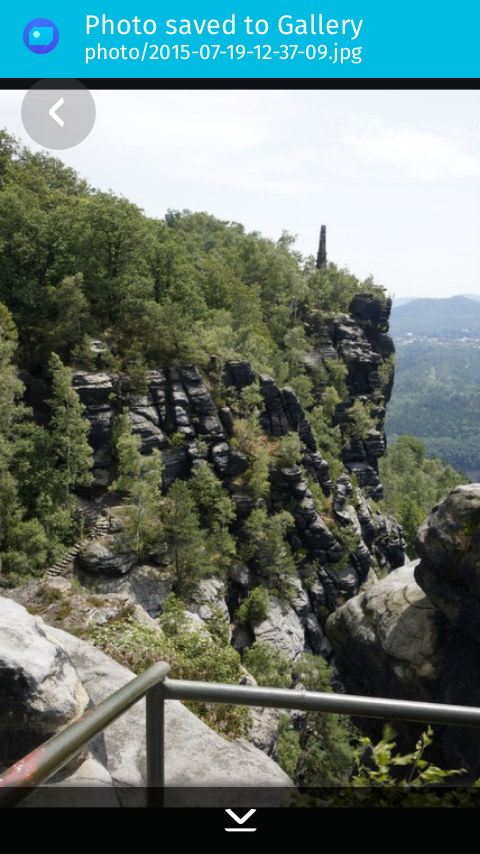
✪ The images are imported to your SD card and are available in the Gallery app
Permissions
desktop-notificationFor sending notificationsdevice-storage:pictures(readwrite)For writing photos to the storagesystemXHRFor requesting the camera APIudp-socketFor connecting to the camera
Information
- Type
- Privileged
- Version
- 1.0
- Size
- 378.0 KB
- Published
- 2015-11-03
- Updated
- 2015-11-03
- Languages
- en-US
- Devices
- firefoxos
- Homepage
- https://github.com/SunboX/fxos_Camera_Download
- Support
- https://github.com/SunboX/fxos_Camera_Download/issues
- andre.fiedler@me.com
- Manifest
- mini-manifest · camera-download-1.0.zip
- ID
- 514750 · camera-download